AI Receptionist Escalation Guardrails (+ Scripts)
AI Receptionist Guardrails: When to Escalate to a Human (and Why It Protects Revenue)
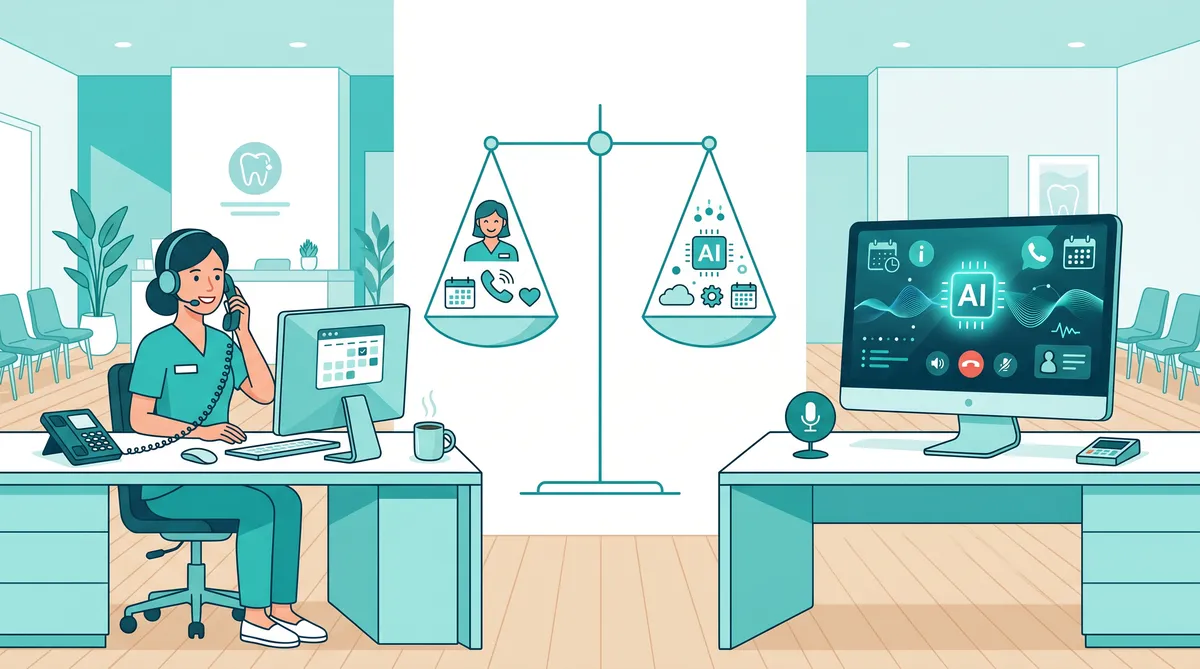
If you are rolling out an AI receptionist, the fastest way to lose patient trust is to treat “automation” like a replacement for judgment.
A great AI receptionist does two things at once:
Handles routine requests quickly (schedule, reschedule, directions, hours, basic FAQs)
Escalates to a human at the right moments, with context, so the patient never feels trapped
That escalation layer is not a nice-to-have. It is how you protect production, reputation, and patient experience.
In healthcare, a commonly cited benchmark for call abandonment is around 5 to 8%. If your phone system creates friction, patients literally hang up and disappear. (Call4Health)
This guide gives you a practical escalation framework you can implement in a dental practice or med spa, plus specific triggers, scripts, and scorecards.
Quick definition: what are AI receptionist escalation guardrails?
AI receptionist escalation guardrails are rules and workflows that determine:
When the AI should keep helping vs transfer to a human
How the transfer happens (warm transfer, scheduled callback, secure message)
What context the human receives so the patient does not repeat themselves
How you audit outcomes to improve over time
Mentera is built for this model. Mentera is an AI layer on top of your existing tools, not an EHR replacement. That means you can keep your practice management software and phone systems, while adding guardrails-driven automation across calls, texts, and follow-up workflows.
Why escalation is the most important AI receptionist feature
Many vendors sell “containment” as the goal: keep calls away from humans.
In private practices, the goal is different:
Reduce missed calls and reduce hold times
Improve booking and rescheduling throughput
Protect clinical and billing accuracy
Keep patient experience high
Escalation is the safety valve that makes automation acceptable.
When escalation is missing, you get predictable failure modes:
The AI keeps asking irrelevant questions while the patient is in pain
The AI guesses about insurance, pricing, or policy, and staff has to fix it later
The AI cannot handle an exception and makes the patient repeat themselves
The patient asks for a human and the system ignores them
Those failures are expensive. They create abandoned calls, negative reviews, and lost appointments.
The 4 escalation paths (pick one per scenario)
Do not treat escalation as a single action.
You need four different paths, because not all escalations are equal.
Path 1: Warm transfer to a live person (best for sensitive or urgent issues)
Use this when:
The caller is distressed, angry, or in pain
The request is time-sensitive
The situation has clinical risk
Requirements:
Live staff availability routing (who is on phones now)
A short AI-generated summary sent to staff before the transfer
A clear statement to the patient: “I am connecting you now”
Path 2: Scheduled callback with intent captured (best for overflow)
Use this when:
The practice is closed
The call queue is too long
Staff are busy but the issue is non-urgent
Requirements:
Capture: reason for call, preferred callback time, contact confirmation
Send confirmation by text when possible
Create a task for the team with the summary and callback window
Path 3: Secure message to billing/insurance team (best for detailed financial questions)
Use this when:
A patient needs a benefits estimate
A claim or denial issue requires portal work
The question requires checking multiple plans or codes
Requirements:
Safe scripting: never guarantee coverage
Intake: member ID, plan name, DOB, procedure type, date of service
Routing to the right queue
Mentera fit: Mentera’s AI Insurance Handler is designed for these workflows, so the AI receptionist can route correctly without improvising.
Path 4: “Assist mode” escalation (AI stays on the line, but a human takes control)
Use this when:
Your staff can resolve the issue faster if they can see the transcript
You want a seamless handoff without making the patient wait for a new call
Requirements:
A visible “take over” button for staff
Real-time transcript and patient context
Clear indication to the patient that a person has joined
Escalation triggers: the practical list
Start with triggers that are easy to implement and high impact.
Trigger category 1: Patient asks for a human
Escalate immediately if the patient says:
“Representative”
“Human”
“Front desk”
“Manager”
“Please transfer me”
“Stop”
Guardrail: never argue. Escalation is a trust signal.
Trigger category 2: Clinical symptoms or urgent pain
Your AI receptionist is not a clinician.
Escalate if the caller mentions:
Severe pain
Swelling
Bleeding
Fever
Broken tooth or trauma
Allergic reaction
Post-procedure complications
Guardrail: do not attempt diagnosis. Confirm location and emergency instructions, then transfer.
Trigger category 3: High-risk appointment types
Escalate for appointment types where accuracy matters and exceptions are common, such as:
Same-day emergency slots
Multi-step procedures
Sedation cases
New-patient complex cases
Guardrail: the AI can still do intake, but a human should confirm the final booking.
Trigger category 4: Insurance, pricing, and financial commitments
Escalate when the question moves from general information to patient-specific commitments:
“How much will I pay?”
“Is this covered for me?”
“Can you guarantee my insurance will cover it?”
“I need a payment plan”
Guardrail: offer ranges only, then route to billing or insurance workflow.
Trigger category 5: Complaints, refunds, or review threats
Escalate immediately when you detect:
Complaint language (“This is ridiculous”, “I have been calling for days”)
Refund requests
Threats of negative reviews
Guardrail: treat this as retention. A fast, human response protects your reputation.
Trigger category 6: Repeated failures to understand
Escalate after:
Two failed attempts to capture the same key detail (name, DOB, reason)
Two corrections by the patient
One explicit statement like “You are not listening”
Guardrail: do not trap the caller in a loop.
A simple escalation policy you can deploy in one week
This is the version most practices should start with.
Day 1: Pick your escalation owner roles
Define who receives what.
Example:
Clinical urgency: lead assistant or provider
Scheduling exceptions: front desk lead
Billing/insurance: insurance coordinator
Complaints: office manager
Day 2: Define the first 12 intents your AI receptionist will handle
Keep it narrow.
Typical first intents:
Schedule appointment
Reschedule appointment
Cancel appointment
Office hours and location
Pricing ranges for common services
Insurance accepted list
New patient instructions
Forms and paperwork
After-hours message capture
Missed call text-back
General FAQ
Patient reactivation / “I have not been in for a while”
Everything else escalates.
Day 3: Create scripts for each escalation trigger
Use short, respectful language.
Example scripts:
Patient asked for a human: “Absolutely. I can connect you to our team now. One moment while I transfer you.”
After-hours: “We are closed, but I can schedule a callback. What time tomorrow works best?”
Insurance: “I can share general information, but for patient-specific coverage we need to verify your plan. I will route this to our insurance team and confirm the next step by text.”
Day 4: Build your handoff packet (what the human sees)
Every escalation should include:
Patient identity signals (name, phone, DOB if collected)
Reason for call in one sentence
What the AI already tried
The patient’s preferred outcome (book, reschedule, ask about coverage)
Urgency tag
This is where many AI receptionist deployments fail.
The patient does not want to repeat themselves.
Day 5: Launch with daily auditing
For the first two weeks, review escalations daily.
Track:
Was the escalation correct?
Did the human have enough context?
Did the issue get resolved in one touch?
Make small updates to scripts weekly.
Metrics: how you know your escalation guardrails are working
You are aiming for a system that feels fast and human, even when AI is involved.
Metric 1: Call abandonment rate
Call abandonment is the percentage of callers who hang up before reaching a representative. (Call4Health)
A commonly cited healthcare benchmark is around 5 to 8%. (Call4Health)
If your abandonment is above that, fix handoffs and wait times first.
Metric 2: Escalation rate by intent
You want escalation to be intentional.
Track:
Scheduling intents: lower escalation over time
Clinical/complaint intents: high escalation is expected
Metric 3: First-contact resolution after escalation
Measure whether the human resolves the issue without a second call.
If FCR is low, your handoff packet is missing context.
Metric 4: Appointment retention and no-show improvement
Escalation guardrails protect bookings and follow-through.
One reason is better follow-up.
Zocdoc cites a July 2025 Epic Research study of more than 1.6 billion outpatient visits finding a 6.2% no-show rate for patients with portal access vs 7.9% for those without. (Zocdoc)
The operational takeaway: make it easy for patients to confirm, reschedule, and get updates without waiting on hold.
Where Mentera fits: automation with guardrails (not a phone tree)
Many practices already have:
A practice management system they cannot change easily
Existing phone numbers, call routing, and a team rhythm
Policies around deposits, confirmations, and cancellations
Mentera is designed to sit on top of those tools.
AI Receptionist for calls, texts, scheduling workflows, and escalation handoffs
AI Insurance Handler for eligibility and verification workflows and follow-ups
AI Search so your team can answer consistently without hunting through binders and PDFs
Scribe AI to reduce documentation time
AI Patient Reactivator to fill the schedule with smart outreach
The point is not to replace your staff.
The point is to let your staff handle the moments that require judgment.
Implementation checklist (copy/paste)
Use this as your rollout checklist.
Guardrails
] Escalate immediately when patient asks for a human
] Escalate immediately for clinical symptoms and urgent pain
] Escalate for patient-specific insurance and pricing commitments
] Escalate for complaints, refunds, or negative review threats
] Escalate after two failed attempts to understand key details
Handoff quality
] Human receives a one-sentence reason for call
] Human receives patient identity signals
] Human receives what was already attempted
] Human receives urgency tag
] Patient does not repeat themselves
Reporting
] Track abandonment rate
] Track escalation rate by intent
] Track time-to-human for escalations
] Track first-contact resolution after escalation
FAQ: AI receptionist escalation guardrails
When should an AI receptionist escalate to a human?
An AI receptionist should escalate to a human when the patient requests a person, when the call involves clinical symptoms or urgent pain, when the request requires patient-specific insurance or billing decisions, when the caller is complaining or threatening a negative review, or when the AI fails twice to understand a key detail.
What is a warm transfer vs a callback escalation?
A warm transfer is when the AI connects the caller to a live staff member immediately and passes the context before the handoff.
A callback escalation is when the AI captures the caller’s intent and contact details, schedules a callback window, and creates a task for the team to follow up.
How do you prevent patients from hating an AI receptionist?
You prevent backlash by making the AI fast for routine tasks and easy to exit.
Always allow “human” escalation, avoid looping questions, and ensure the staff member who takes over already has the call summary so the patient does not repeat themselves.
What should the human see when an AI receptionist escalates?
The human should receive a one-sentence reason for the call, the patient’s name and contact info, any verified identity fields (like DOB), what the AI already attempted, the patient’s requested outcome, and an urgency tag.
How do escalation guardrails protect revenue?
Guardrails protect revenue by reducing abandoned calls, preventing scheduling errors on high-value appointments, and routing insurance and complaint calls to the right person quickly.
When patients can confirm or reschedule without friction, they are more likely to show up and less likely to churn.
Next step
If you want to see what guardrails-driven automation looks like in a real private practice workflow, book a demo.
https://www.mentera.ai/demo